
WooCommerce stores aren’t improved through continuous small optimizations. They are improved through projects – intense efforts when, at some point, you decide to take action and either finally move to a different host, conquer the holiday quarter, or pay attention to repeat purchases. Optimizations in between usually maintain while projects advance.
What makes matters worse is that every project has its own toolkit and understanding what tools you might need takes up to half of the effort. This guide is structured as people think by projects. Six tasks that almost any WooCommerce store has to deal with sooner or later, each paired with its own plugins, and enough context for each to realize whether it applies to you.
Every one of the projects described here isn’t just some imaginary example. As a store owner, sooner or later, you will be doing these projects yourself – migrating your store, attracting repeat buyers, dealing with the holidays and, if everything goes well, expanding somewhere to places where regulations were still unknown to you.
Project 1: Migrating Your Store Without Losing Anything
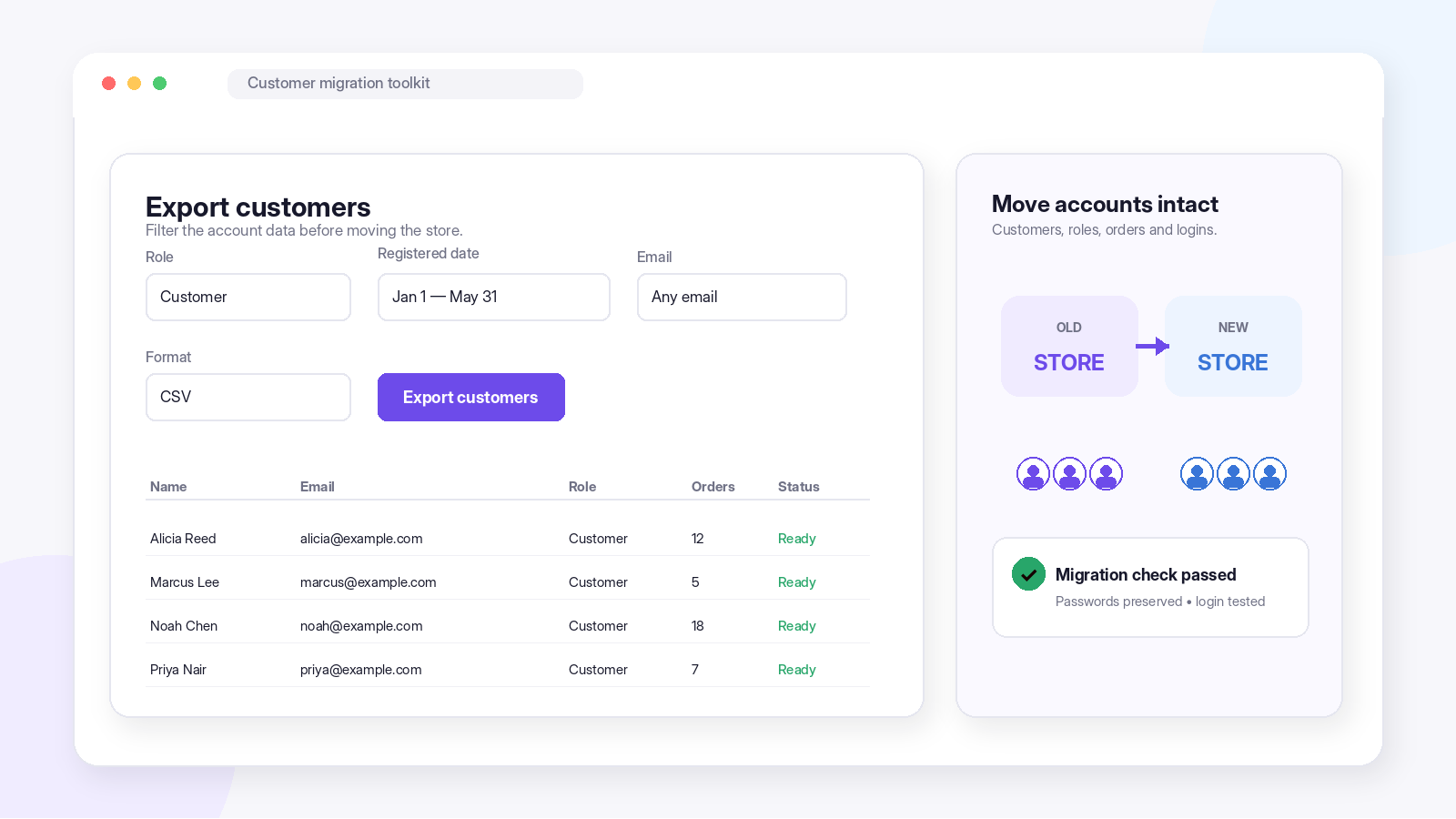
Every shop eventually gets a move, to a new host, a new installation, a new design. The files and database are easy. The problem happens with the humans: customer accounts coming in corrupted, passwords failing to make the journey, histories lost without a person to attach to. A migration which fails to move your customers is no migration at all, but a soft reset of your business.
For the site itself – the files, the database, the configurations – Duplicator is the established leader in packing up and moving your entire WordPress installation.
For the catalog itself, WooCommerce Product Import Export migrates your products from one site to another in style. It supports any type of product: simple, variable, grouped, external, plus images, custom fields and variation information across CSV, XML, Excel and TSV formats. Field Mapping allows the transfer to happen regardless of how the source and destination stores format their data. There is also a free version too
For the people, there is a WordPress Users & WooCommerce Customers Import Export plugin that can handle the detail most migrations stumble on: it migrates users with their hashed passwords intact, so customers log into the new site without resetting anything — no “we’ve moved, please reset your password” email, no support wave, no silent loss of the customers who never bother. It supports CSV, XML, TSV, XLS, and XLSX, filters exports by role, date, or email, and can bulk-update user data during import.
The toolkit: Duplicator for the website, Product Import Export for the catalog, Users & Customers Import Export for the accounts. Test your login process using one of the migrated accounts prior to pointing any DNS records.
Project 2: Building a Repeat-Customer Engine
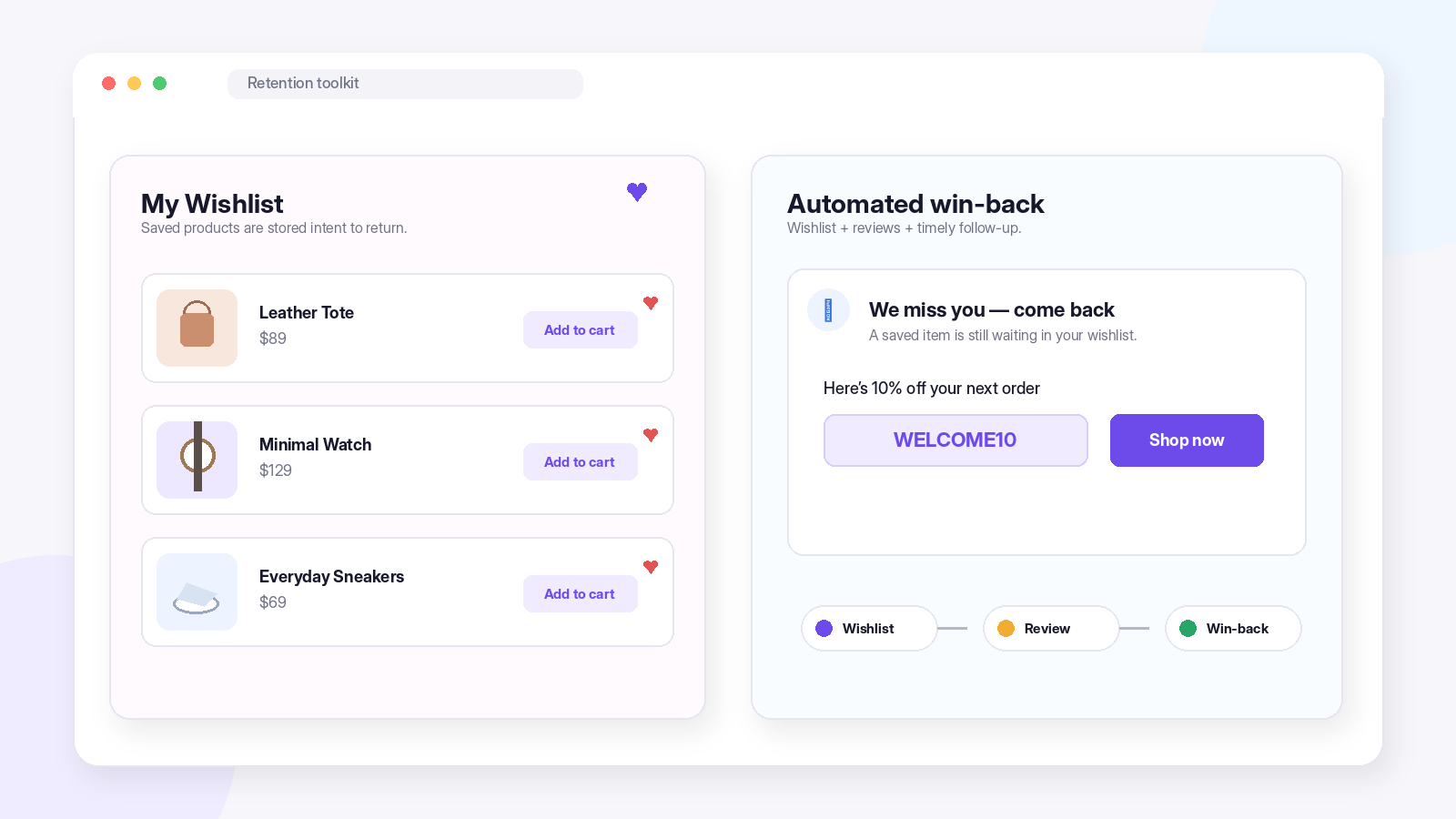
While acquisition may be the glamour, retention makes the money since repeat visitors don’t cost anything to attract and will spend more once they come back again. What we’re working on now is creating the mechanism to convert one-time visitors to repeat visitors, and there are three components: a motivation to return, evidence that it’s worthwhile, and a system to remind them for you.
Motivation to return? A Wishlist. There’s a free plugin for WooCommerce called TI WooCommerce Wishlist which allows visitors to add products to their own Wishlist page. All the products added to a Wishlist create a motivation for a visitor to return.
Evidence that it’s worthwhile? Reviews. Customer Reviews for WooCommerce automatically collects reviews using post-purchase email reminders and even provides a discount coupon as a “thank you” – which serves nicely as motivation for a return visit.
The system that reminds automation: eCommerce Marketing Automation executes the win-back campaigns, post-purchase reminders, and abandoned cart recovery campaigns that no owner can run manually. FREE to start. No credit card needed.
The toolkit: Wishlist for stored intent, Customer Reviews for proof and incentive, Marketing Automation for the follow-through. Each works alone; together they compound.
Project 3: Surviving (and Winning) the Holiday Quarter
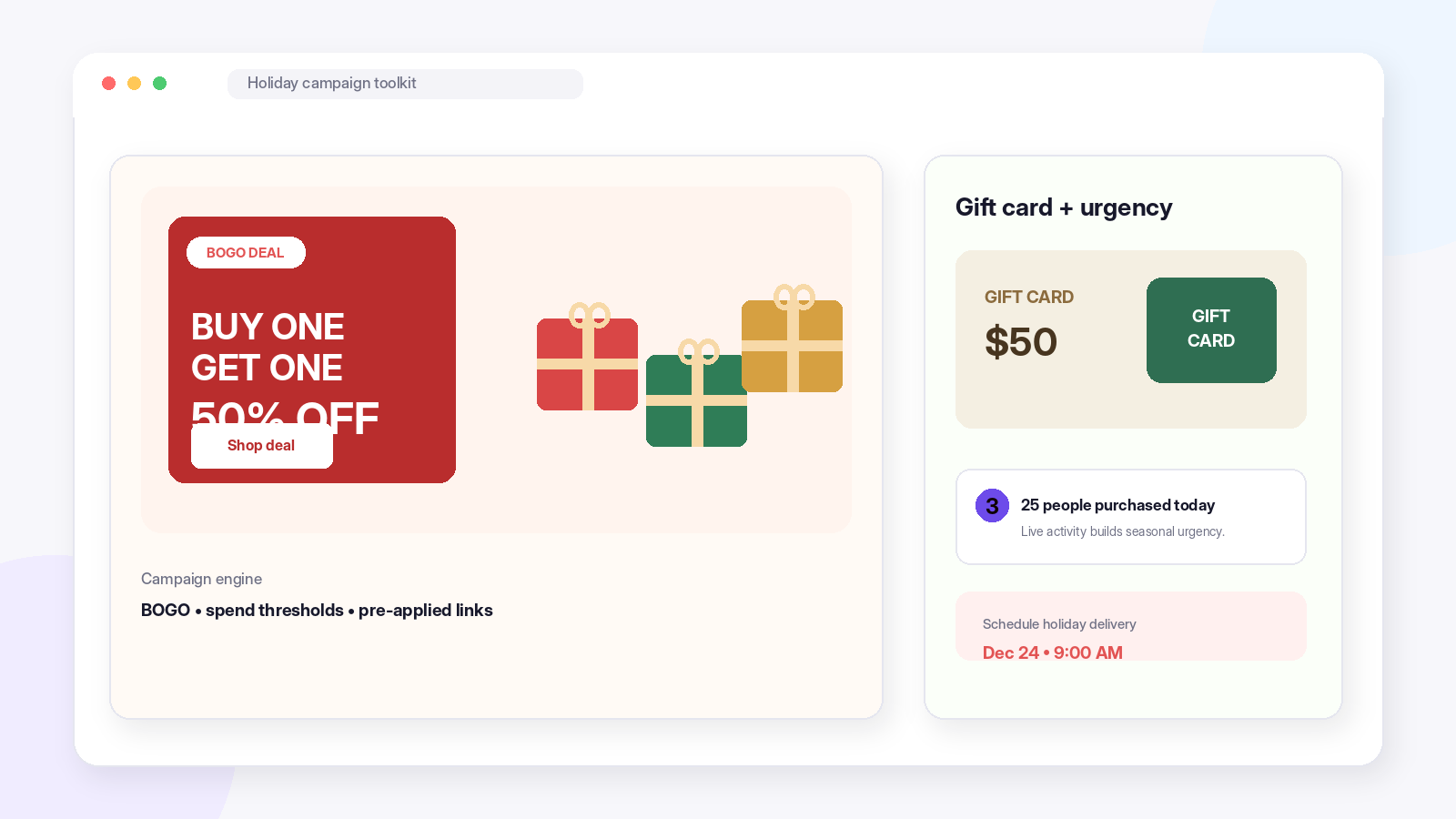
Q4 penalizes improvisation. Q4 winners determine their promotion calendar in September, not during Black Friday week and they have the equipment to run campaigns more exciting than sitewide percentages.
The campaign engine: woocommerce smart coupons plugin by WebToffee handles the formats that actually move holiday inventory: BOGO deals, spend-threshold rewards, category-targeted discounts, and pre-applied coupon links you can drop straight into emails and ads. Bulk code generation covers campaign-specific one-time codes. A free version covers the essentials.
The urgency layer: TrustPulse displays current purchases as tiny alerts, and there is nothing better than this during holiday shopping, as it is happening all the time.
Undecided gift buyer’s safety net: WordPress Gift Cards. Every December, there is a rush of customers who would want to buy from your shop but do not feel ready to choose something – gift cards along with email delivery schedule and personal messages are what saves the day.There is a free plugin (one gift card product and 4 templates); the premium version unlocks unlimited gift cards and 20+ templates.
The toolkit: Smart Coupons for the campaigns, TrustPulse for urgency, Gift Cards for the undecided. Set all three up in October; December is for running them.
Project 4: Expanding into Europe
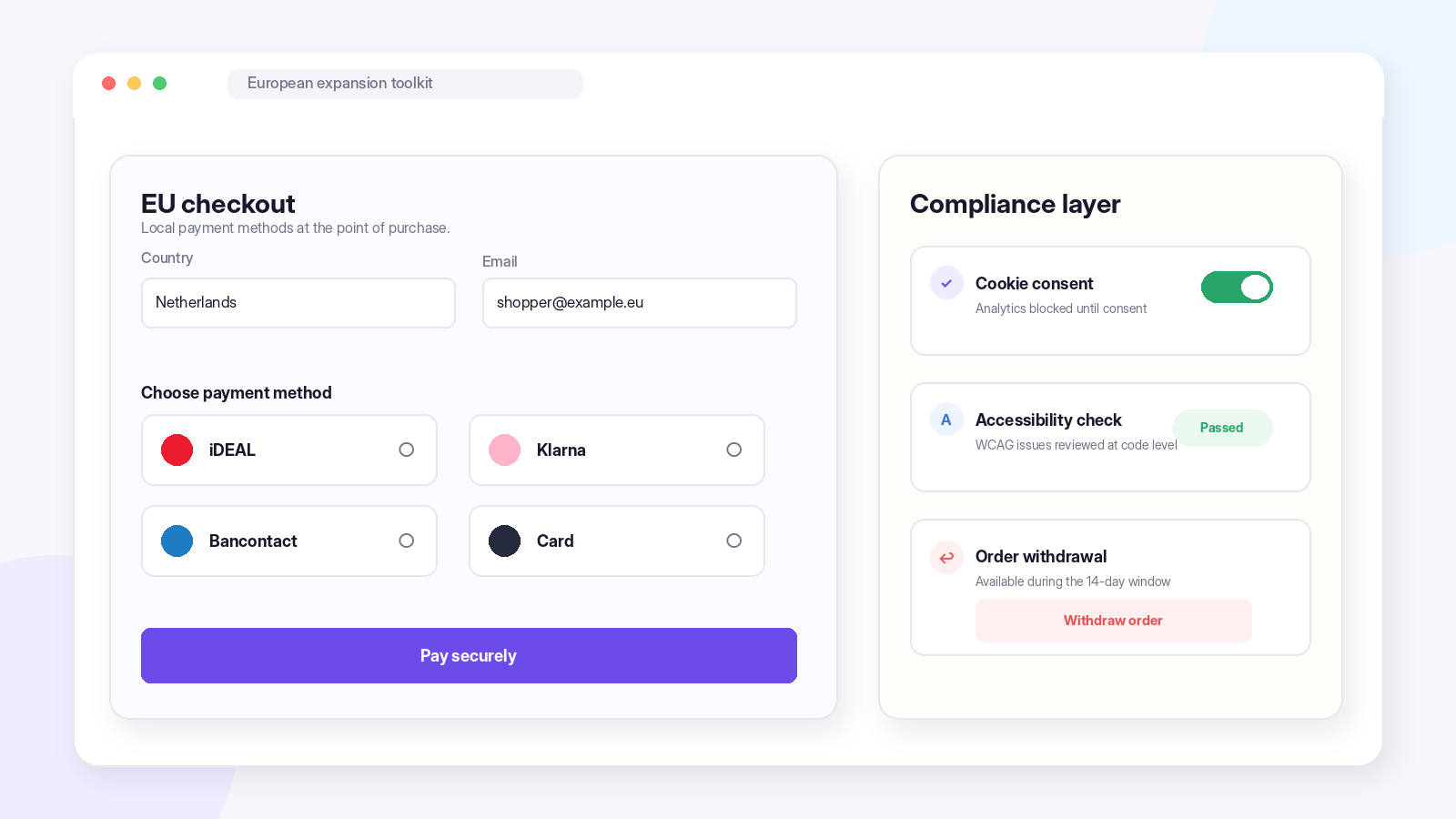
European customers are reachable for any WooCommerce store — but Europe arrives as a package deal: regional payment habits, strict privacy law, accessibility legislation, and consumer rights that most non-EU merchants have never read. Treating these as afterthoughts is how expansion projects turn into compliance projects.
Payments first, because they decide whether anyone can buy: Mollie Payments for WooCommerce bundles the regional methods European customers actually use — iDEAL, Klarna, Bancontact, and more — into one integration.
European customers can be reached by any WooCommerce store; however, Europe comes as a complete package – regional payment practices, stringent privacy laws, accessibility regulations, and consumer rights, which most non-European merchants have no idea about. Ignoring them would be a recipe for making your expansion initiative a compliance project.
First up, payments, as they are what make anyone able to purchase from you: WooCommerce Mollie Payments comes with all the regional payment methods that European customers actually use.
Privacy next: GDPR cookie consent plugin by WebToffee, a Google-certified consent platform that scans and categorizes cookies, blocks tracking until consent is granted, and integrates with Google Consent Mode. You can find the plugin in Woo Marketplace as well. Some Agencies who handle Ecommerce Development Services can also help with European compliance related issues.
Accessibility, now that there is the European Accessibility Act in effect: The WebYes Accessibility Tool tackles problems at the code level and not using overlay tools and they also have a free Accessibility Chrome extension for quick WCAG checks which could be really beneficial
And the consumer right most merchants discover last: the EU’s Right of Withdrawal directive (EU 2023/2673), which requires a clear way for customers to cancel orders within a set window. The EU Order Withdrawal Button for WooCommerce by WebToffee adds exactly that, a withdrawal button on the customer’s orders page shown only during the active window, a guided two-step form for full or item-level withdrawals, an admin dashboard, and a configurable period (14 days is the EU standard).It is completely free on WordPress.org check it out.
The toolkit: Mollie for Payments, GDPR Cookie Consent for Privacy, WebYes for Accessibility, and EU Withdrawal Button for Consumers. Europe appreciates merchants who come ready.
Project 5: Lifting Average Order Value
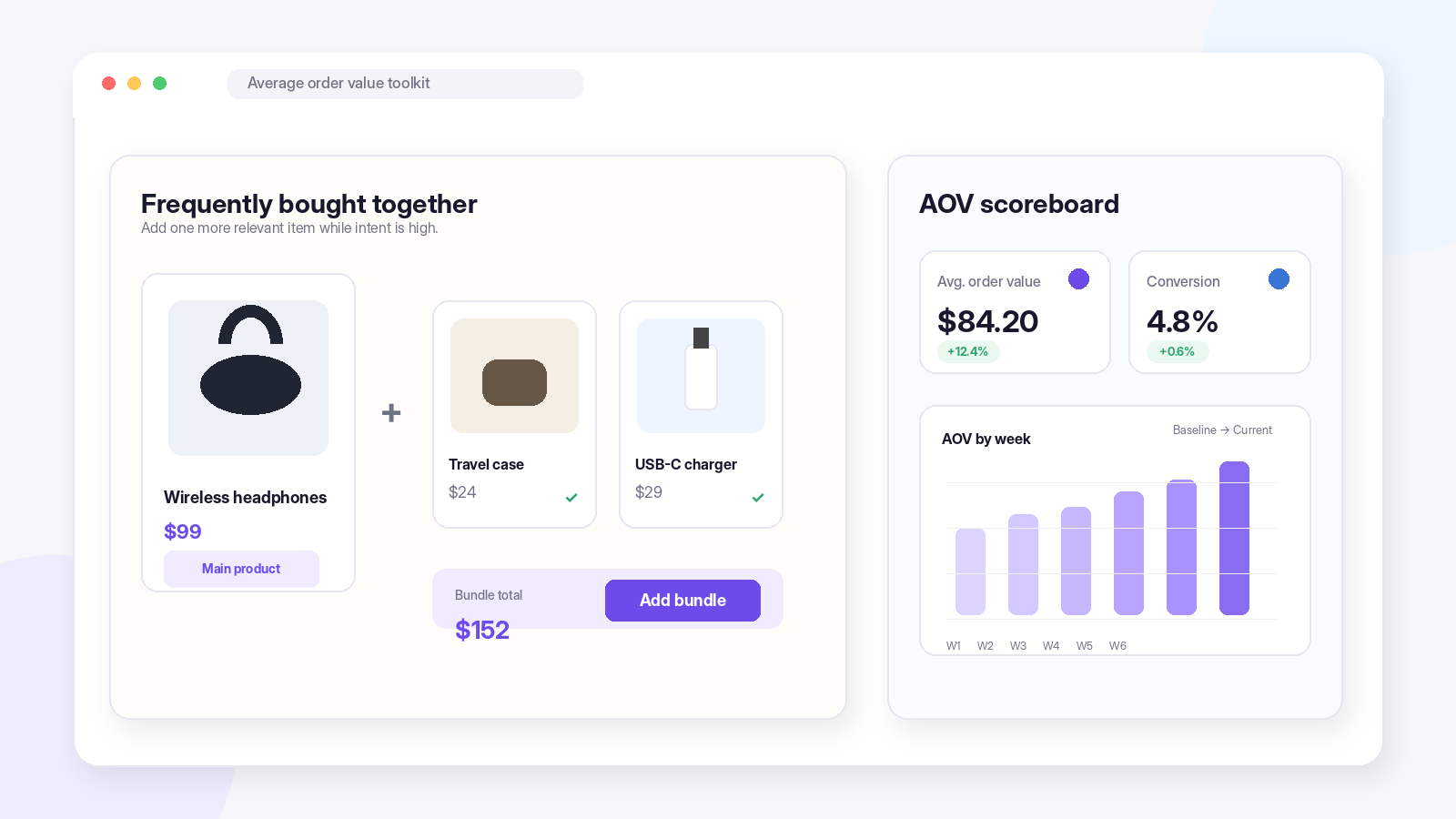
It is the least costly way for any store to grow its revenue stream by getting repeat customers to buy just one extra product – no need for additional visitors or advertising, only improved product placement during times when purchases are being made. This is a small, tangible project that often provides the best return on investment.
The lever: WooCommerce Product Recommendations by WebToffee, which uses recommendations of bundled products and cross sells and upsells of products within product pages, the cart and checkout, using targeting criteria and per-campaign reporting. Related products and upsells are also available through WebToffee’s separate free plugins, Product Recommendations itself is a premium plugin (from $89/yr).
Measurement: The plugin called MonsterInsights that helps to display average order value, conversion rate, and product performance on your WordPress dashboard, thus showing whether these tips are really driving AOV or not. Run your numbers during the first month and then check results.
The toolkit: Product Recommendations as the lever, MonsterInsights as the scoreboard. A lever without a scoreboard is a guess.
Project 6: Consolidating Stores or Wrangling Bulk Data
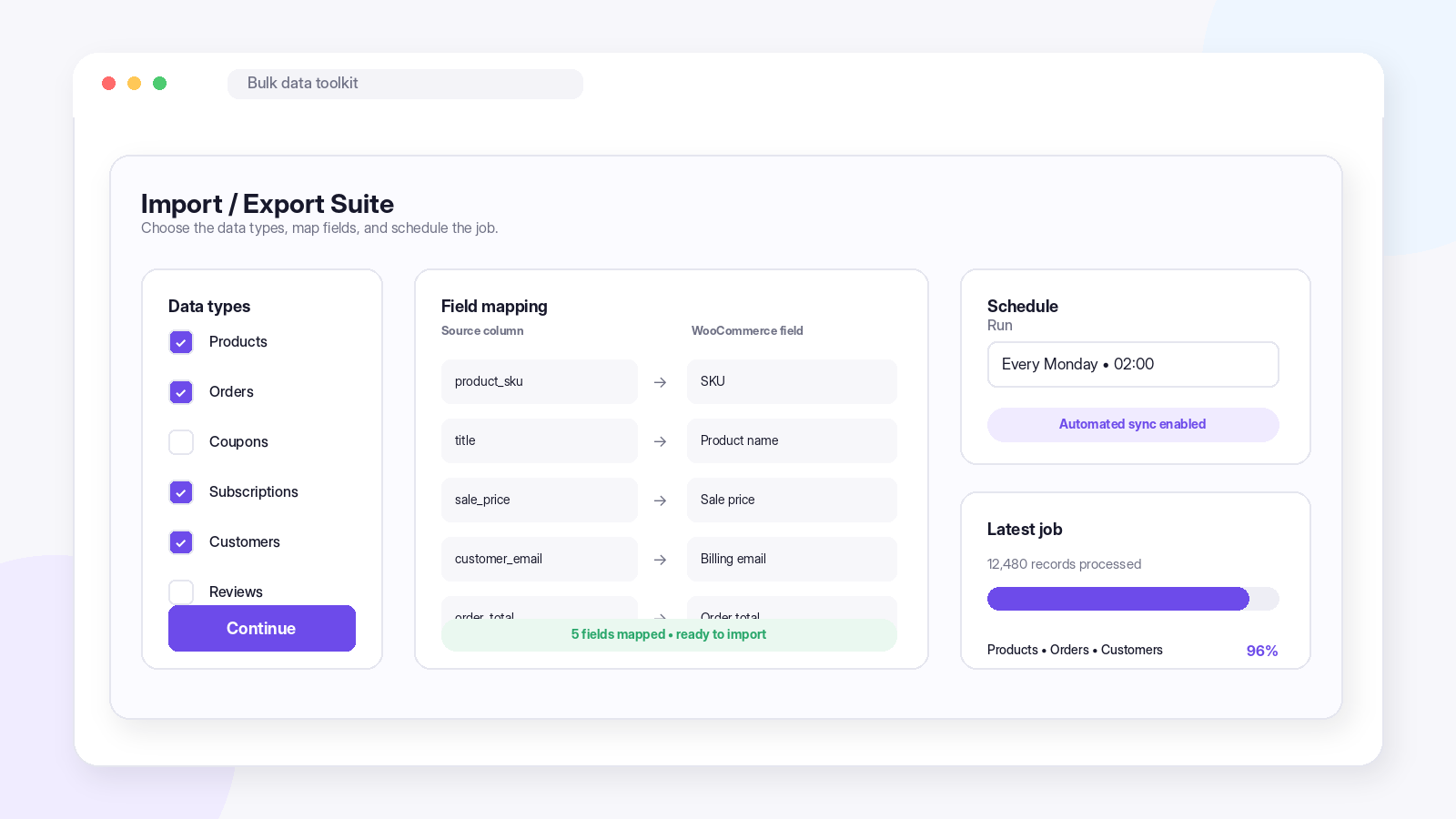
Two stores merging into one. Synchronizing the staging catalog into the production catalog. Transferring full order history to the new accounting software. Updating thousands of prices to get ready for a new season. All four tasks have one thing in common – a huge amount of structured data that needs to be transferred, and performing them via WordPress Admin one record at a time is a nonstarter.
The Import Export Suite for WooCommerce is the single-tool answer: it covers products, orders, coupons, subscriptions, customers, and reviews from one interface, across CSV, XML, and Excel formats, with advanced filters, field mapping, and import/export jobs that can be scheduled daily, weekly, monthly, or on a custom cadence — which quietly turns it into an automated backup and sync system, not just a migration tool.
An honest point to be made is that in case the bulk data requirements pertain to products alone or order alone, the stand-alone import/export plugins of WebToffee take care of that separately (such as the Product Import Export plugin which is used for managing catalogs, and is the correct plugin for use in the migration mentioned above). In such cases where more than one type of data is involved, the suite will be the right choice.
The toolkit: Import Export Suite when the job spans multiple data types; the standalone equivalents when it doesn’t.
Project 7: Getting Your Store Operations Professional
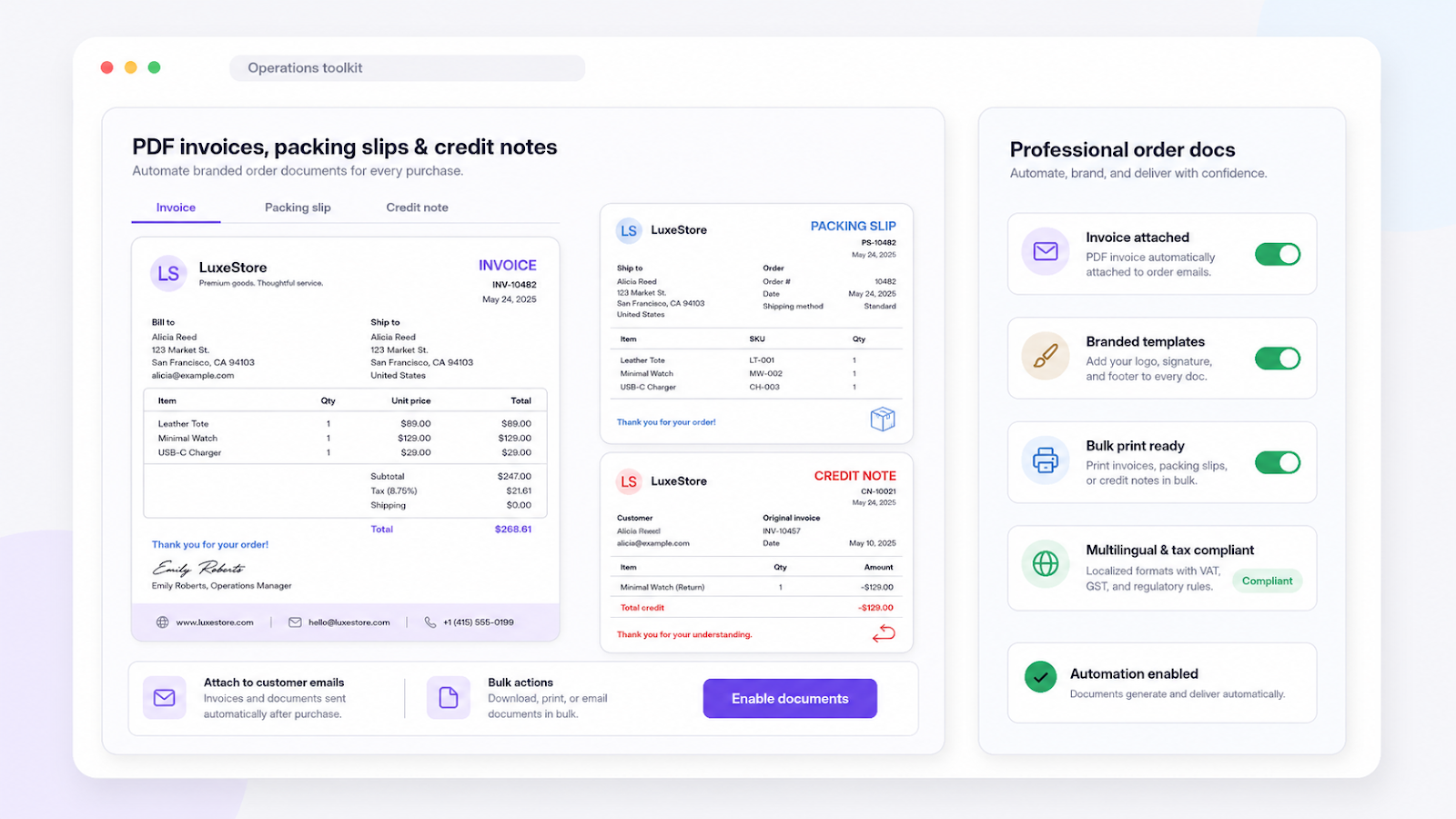
At the point where a growing business reaches a certain level of development, “good enough” office procedures begin to actually cost money — manually prepared invoices, non-standard order numbering, makeshift paperwork. The task is to get your business to resemble a developed company in both appearance and operation, and the key to doing this lies in order documentation.
The PDF invoices & Packing Slips for WooCommerce plugin will allow you to create tax compliant invoices, packing slips, and credit notes right after an order is placed automatically. Your logo, your signature, footer information can be included into your templates, while mass printing capabilities will help you cope even on hectic days. Multilingual, tax-compliant templates ensure reliability. The free version allows for generating invoices.
The toolkit: PDF Invoices for automated, branded documentation. Set it up once and every order from then on goes out looking professional.
Pick Your Project
A total of seventeen different plugins are mentioned in this article, and this is really irrelevant since no store should try to do seven projects at one time. The whole concept of project driven optimization is focused on one project with its own set of tools, with the goal in sight and measurement after completion.
This leads us to the main conclusion, which can be formulated as a question rather than a list of recommendations: which of these seven projects would be the most beneficial for you in this quarter? You will start there, install the required toolkit for this project and do it right including testing the migration and baselining AOV and only then choose another one. This is how efficient plugin stacks are formed.


